AI Video Creation: A Beginner's Guide to Getting Started
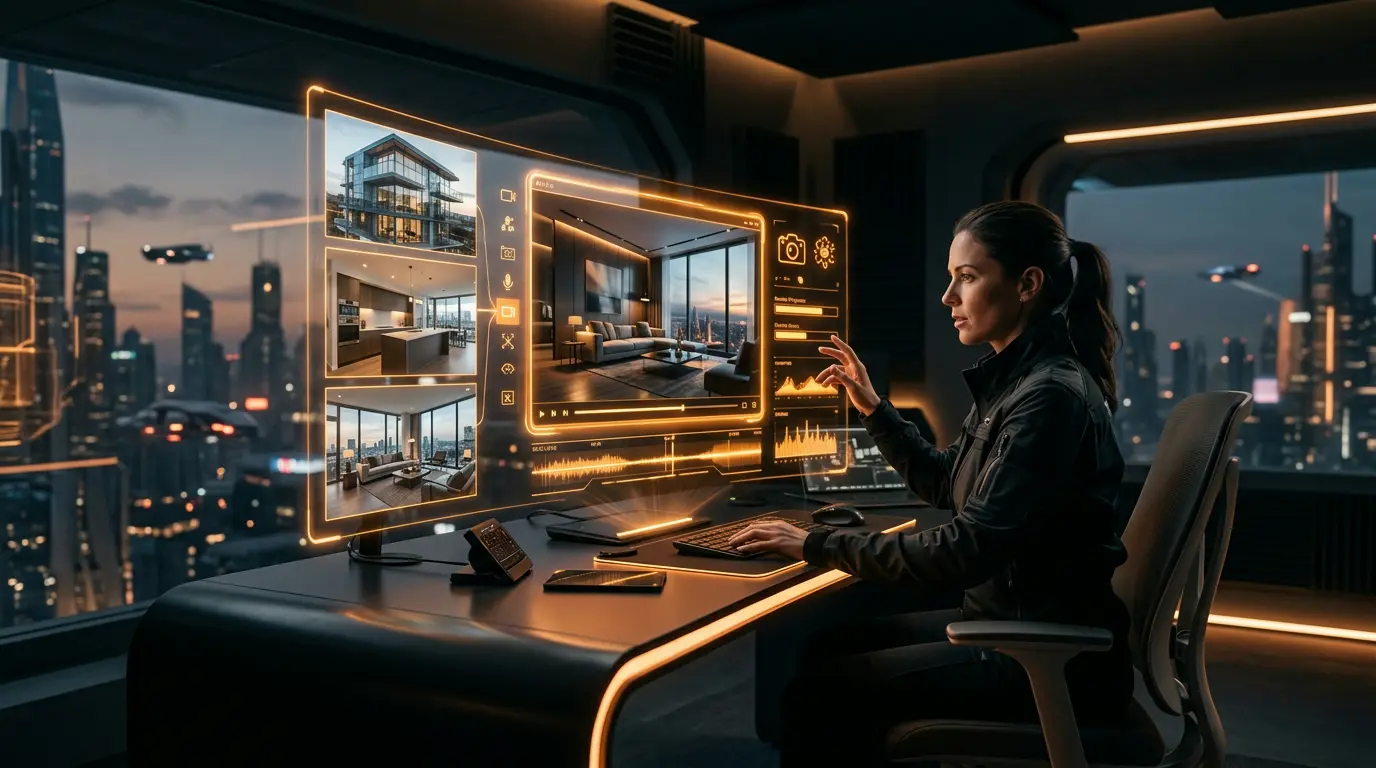
Artificial intelligence is rewriting the rules of video content creation. What once took hours of painstaking editing can now be accomplished in minutes. But how exactly does this technology work, and what does it mean for your business?
In this guide, we’ll walk you through the fundamentals of AI video creation, compare the best tools on the market, and show you step by step how to create your first AI-powered video.
What Is AI Video Creation?
AI video creation uses machine learning algorithms to automatically transform photos, text, or other inputs into polished video content. Unlike traditional video editor software, AI-based tools handle scene transitions, music synchronization, and even voiceovers automatically.
How Does It Work?
- Input Analysis: The AI analyzes your uploaded photos or text — extracting face detection data, scene recognition, and color profiles.
- Scene Planning: The algorithm determines the most effective scene sequence and transition effects.
- Motion Generation: Movements like Ken Burns effect, parallax, and zoom are applied automatically.
- Audio Matching: Music and voiceovers are synchronized with visual content.
- Final Render: All elements are combined into a professional-quality video output.
Benefits of AI Video Creation
Time Savings
A real estate video that traditionally takes 4-6 hours can be prepared with an AI video creation tool in just 5-10 minutes. This makes a massive difference, especially for agents managing multiple listings.
Cost Reduction
Hiring a professional videographer can cost $200-$1,000 per listing. AI solutions reduce this cost by up to 90%.
Consistent Quality
Human-dependent quality fluctuations are eliminated. Every video is produced to the same professional standard.
Scalability
Instead of 1 video per day, you can produce 10 or even 50. As your portfolio grows, your video production keeps pace effortlessly.
Best AI Video Creation Tools
1. Vizuera — Real Estate-Focused AI Video
Vizuera is a video creation tool designed specifically for the real estate industry. Simply upload your photos and the platform generates cinematic-quality video within minutes. It offers AI voiceover, automatic subtitles, and watermark-free 1080p output. It automatically adapts to social media formats (9:16, 1:1, 16:9).
2. Canva Video
A general-purpose design platform. Template-based workflow with limited AI features. No real estate-specific optimization.
3. InVideo
Wide template library but limited real estate-specific templates. Offers text-based video creation features.
4. Pictory
Strong at converting blog posts to video. However, not ideal for photo-based real estate videos.
5. Lumen5
Content marketing focused. Practical for social media videos but may fall short for property listings.
Step by Step: Create Your First AI Video
Step 1: Prepare Your Photos
Select at least 8-10 high-quality photographs. Wide-angle, detail, and living space shots should be balanced. Pay attention to lighting quality — natural light always trumps artificial.
Step 2: Choose Your Platform
Select a video creation tool based on your needs. For real estate videos, industry-specific solutions always deliver more effective results.
Step 3: Upload Your Photos
Drag and drop your photos into your chosen platform. The AI will automatically suggest the optimal sequence.
Step 4: Customize
Adjust settings like music selection, text overlays, logo placement, and color grading. Experiment with different styles from slideshow format to cinematic presentation.
Step 5: Export
Export your video in the desired format. Choose 9:16 for social media sharing, 16:9 for website embedding.
Practical Tips and Best Practices
- Photo quality is everything: Even AI can’t turn low-resolution photos into stunning videos. Aim for minimum 1920x1080 pixels.
- Less is more: Choose the best 12-15 photos rather than dumping 30. Each scene should appear for 3-5 seconds.
- Don’t underestimate music selection: The tempo should match the property’s character. Luxury home = slow tempo, dynamic apartment = medium-fast tempo.
- The first 3 seconds are critical: On social media, if you don’t hook viewers within 3 seconds, they scroll past. Place your most impressive scene first.
- Add a CTA (Call to Action): Include a phone number, website, or “Contact Us” message at the end of the video.
- Convert to multiple formats: Generate vertical, square, and horizontal versions from the same photo set.
Frequently Asked Questions (FAQ)
Is it difficult to create videos with AI?
No. Modern AI video creation tools work on a drag-and-drop basis. No technical knowledge is required — just upload your photos and adjust a few settings.
Is AI video creation free?
Most platforms offer free trials, but professional quality requires paid plans. Free options typically come with limitations like watermarks, low resolution, or time restrictions.
Do AI videos look realistic?
Yes, modern AI technology can produce highly realistic and cinematic videos. Photo-based video creation tools in particular preserve original image quality while delivering professional results.
What’s the best AI tool for real estate videos?
Tools designed specifically for the real estate industry deliver the best results. While general-purpose tools offer flexibility, they lack the specialized effects, scene planning, and format support needed for property presentations.
Who owns the copyright to AI-generated videos?
On most platforms, you retain the rights to video content you create. However, always read the terms of service — some free plans may have restrictions.
Conclusion
AI video creation is no longer a future promise — it’s today’s reality. Especially in real estate, the ability to quickly turn photos into professional video content provides a competitive edge. By choosing the right tool and applying the tips in this guide, you too can produce impressive videos in minutes.
Get your photos ready and try an AI video creation tool to take the first step. The results will surprise you.