AI Video Creation Tools Comparison 2026: Vizuera vs Canva vs InVideo vs Pictory vs Lumen5
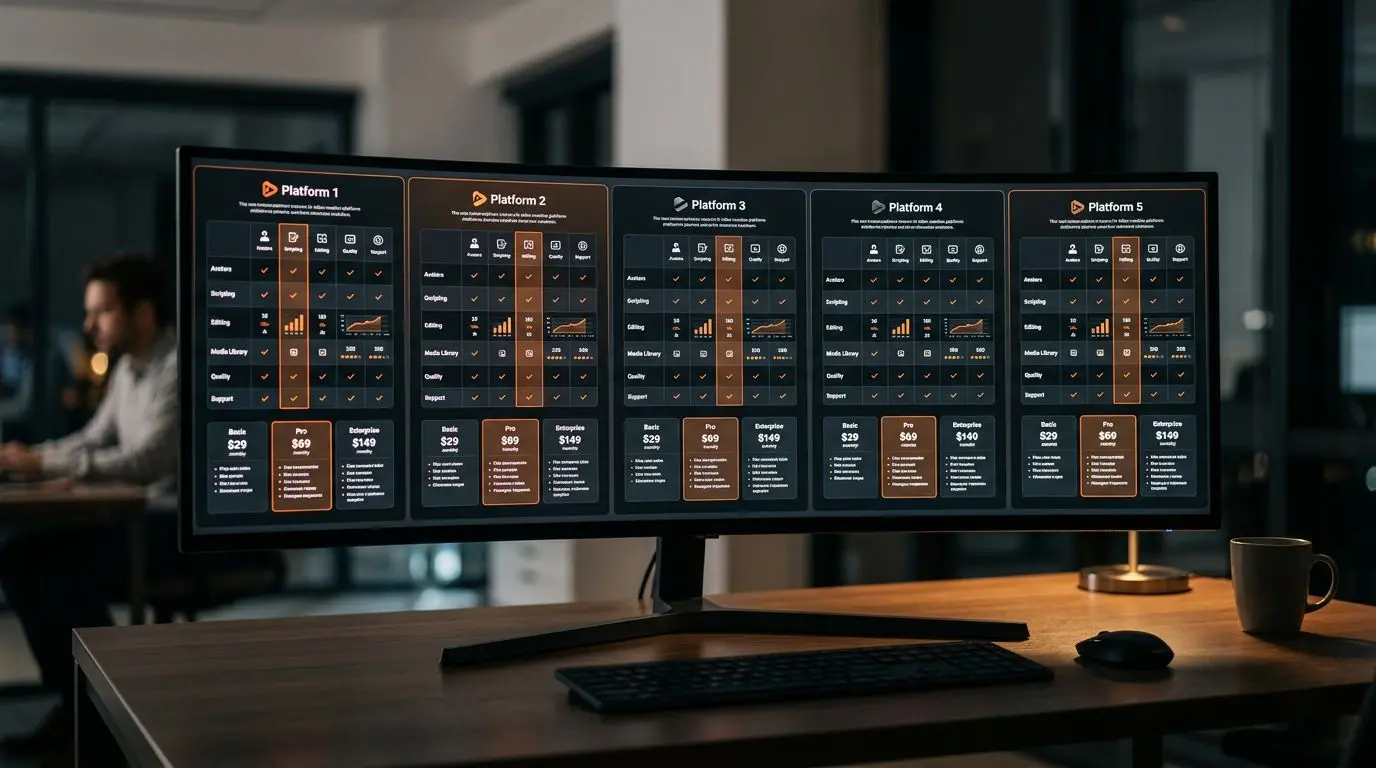
AI video creation tools are booming in 2026. But each platform has a different focus. Are you creating real estate videos, converting blog content to video, or producing social media content? Your answer determines which tool is right for you.
In this article, we compare five popular AI video creation tools — Vizuera, Canva, InVideo, Pictory, and Lumen5 — in comprehensive detail.
Comparison Overview
Vizuera
- Focus: Real estate industry
- Core strength: Automatic cinematic video from photos
- AI features: AI voiceover, automatic subtitles, smart scene planning
- Output: Watermark-free 1080p, multiple formats
Canva
- Focus: General design
- Core strength: Template richness
- AI features: Magic Media, basic animations
- Output: 1080p (Pro), 720p (free)
InVideo
- Focus: Social media videos
- Core strength: Text-to-video generation
- AI features: AI script, text-to-video conversion
- Output: 1080p
Pictory
- Focus: Content marketing
- Core strength: Blog-to-video conversion
- AI features: Automatic subtitles, text analysis
- Output: 1080p
Lumen5
- Focus: Corporate content
- Core strength: Blog integration
- AI features: Automatic text placement
- Output: 1080p (paid)
Detailed Feature Comparison
Photo-to-Video Creation
There are significant differences between tools when it comes to uploading photos and automatically generating video:
Vizuera: ★★★★★ — Specifically optimized for real estate photos. The moment you upload photos, AI automatically applies scene sequencing, transitions, and motion effects. Creates cinematic video, not just a slideshow.
Canva: ★★★☆☆ — Requires dragging and dropping photos into templates. No automatic scene planning; everything is manual.
InVideo: ★★★★☆ — Good template-based experience, but photo-based workflow isn’t as strong as text-based.
Pictory: ★★☆☆☆ — Photo-to-video isn’t its primary feature. Text/blog focused.
Lumen5: ★★☆☆☆ — Similarly text-focused. Photo-to-video is secondary.
AI Voiceover
Vizuera: ★★★★★ — Natural-sounding AI voiceover with multi-language support including Turkish and English. Automatically narrates property features.
Canva: ★★☆☆☆ — Basic text-to-speech available but naturalness is low.
InVideo: ★★★☆☆ — AI voiceover available, limited language options.
Pictory: ★★★☆☆ — Automatic voiceover available, mid-level quality.
Lumen5: ★★☆☆☆ — Voiceover features limited.
Social Media Format Support
Vizuera: ★★★★★ — Automatically supports 16:9, 9:16, 1:1 formats. Generates videos in all formats simultaneously.
Canva: ★★★★☆ — Multi-format support exists but requires separate editing per format.
InVideo: ★★★★☆ — Good format support, rich social media templates.
Pictory: ★★★☆☆ — Basic format support available.
Lumen5: ★★★☆☆ — Standard formats supported.
Ease of Use
Vizuera: ★★★★★ — Upload and wait. No technical knowledge required. Lowest learning curve as a video creation tool.
Canva: ★★★★☆ — Intuitive design interface but video features scattered.
InVideo: ★★★★☆ — Good interface, moderate learning curve.
Pictory: ★★★☆☆ — Text-based workflow is simple but photo-based use is complex.
Lumen5: ★★★☆☆ — Blog URL pasting is easy, customization tedious.
Pricing Comparison
Starter Plans (Monthly)
- Vizuera: Affordable subscription for real estate professionals
- Canva Pro: ~$13/month (video features included)
- InVideo Business: ~$30/month
- Pictory Starter: ~$23/month
- Lumen5 Starter: ~$29/month
Price-Performance Assessment
For general design + basic video needs, Canva is the most affordable option. However, for industry-specific, AI-powered professional video production, Vizuera clearly leads in price-performance. The AI voiceover, automatic scene planning, and watermark-free 1080p output that Vizuera offers are either impossible or much more expensive to get from other platforms.
Use Case Scenarios
”I need to produce 5+ real estate videos daily”
Winner: Vizuera — Produces video in minutes through automated workflow. No manual editing required.
”I want to convert my blog posts to video”
Winner: Pictory — Paste your blog URL and let AI automatically start the video creation process.
”I produce various content for social media”
Winner: Canva or InVideo — Template richness and general-purpose flexibility.
”I prepare corporate presentation videos”
Winner: Lumen5 — Corporate content-focused design and workflow.
Practical Tips
- Don’t limit yourself to one tool: You can use different tools for different needs — Vizuera for real estate videos, Pictory for blog videos.
- Use free trials: Try each tool’s free plan or trial period before committing.
- Test output quality in the real world: Share demo videos on social media and compare engagement rates.
- Convert the same photo set: Use the same photos in each tool for a fair comparison.
- Think about scalability: 5 videos/month may suffice today, but 50 videos/month might be needed in 6 months.
Frequently Asked Questions (FAQ)
What’s the best AI video creation tool?
It varies by need. Vizuera for real estate, Canva for general design, and Pictory for content marketing are the strongest choices.
Will AI video tools replace professional video production?
For standard content production, yes. But professional teams are still needed for specialized production, interviews, and event coverage.
Which tool supports multiple languages?
Vizuera offers multi-language AI voiceover and interface. Canva has localized interfaces. Other tools are primarily English-focused.
Do I need to pick just one tool?
No. Many professionals use different tools for different needs. What matters is identifying the right tool for your core workflow.
What’s the future of AI video creation tools?
Beyond 2026, AI video tools are expected to become more personalized, with real-time editing and interactive video features becoming widespread.
Conclusion
In the world of AI video creation tools, there’s no “one size fits all.” Your industry, budget, and production volume should determine your choice. Real estate professionals should lean toward industry-specific solutions, content marketers should focus on text-to-video conversion, and social media managers should seek template richness.
Define your needs, try 2-3 tools, and start producing video content today.