E-Commerce Product Photo to Video: Complete Guide (2026)
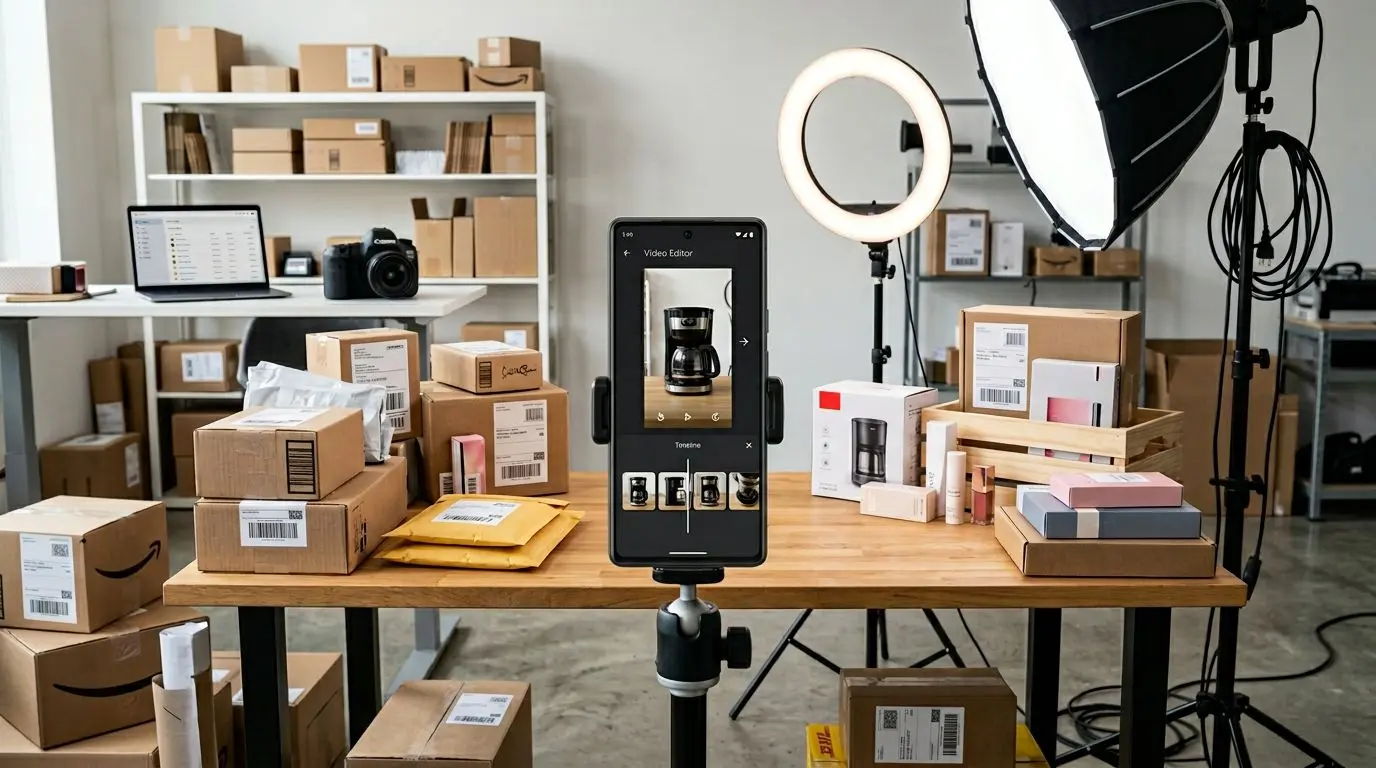
E-Commerce Product Photo to Video: Complete Guide
In e-commerce, video content delivers sales power far beyond what static photos can achieve. Research shows that customers who watch product videos are 85% more likely to make a purchase. This guide explores how to create effective sales videos from your existing product photos, platform-specific format requirements, and proven strategies for boosting conversion rates.
Why Product Video? The Numbers Speak
The impact of video in e-commerce is striking:
- 85% higher purchase likelihood: Customers who watch video make decisions more easily
- 144% increase in add-to-cart: On product pages featuring video
- 26% lower return rate: Video represents products more realistically
- 3x more shares: Video gets shared 3 times more than photos on social media
- 80% longer session duration: Visitors stay significantly longer on pages with video
Creating Sales Videos from Product Photos
If you already have beautiful product photos, you can transform them into professional sales videos using an effective video creation tool.
Step 1: Photo Preparation
- White background: E-commerce standard for clean, professional appearance
- Multiple angles: Front, back, side, top, and detail shots
- Lifestyle photos: Shots showing the product in use
- High resolution: Minimum 2000x2000 pixels
- Consistent lighting: Same light tone across all photos
Step 2: Plan the Video Flow
An effective product video should follow this sequence:
- Attention-grabbing opening (2-3 sec): Most impressive photo or use case
- Product showcase (5-8 sec): Product from multiple angles
- Feature highlights (5-8 sec): Close-up detail shots
- Lifestyle context (3-5 sec): Product in daily use
- CTA (2-3 sec): “Buy now” or “Add to cart” message
Step 3: Editing and Effects
- Add motion to photos with the Ken Burns effect
- Professional transition effects (crossfade, zoom transitions)
- Background music (matched to product category)
- Text overlays (price, features, promotional information)
- Brand logo and colors
Platform Formats: Video for Every Marketplace
Amazon Video Requirements
- Format: MP4 (H.264)
- Resolution: 1920x1080 (minimum 1280x720)
- Duration: 15-60 seconds (recommended: 30 sec)
- File size: Maximum 500 MB
- Audio: Optional but recommended
- A+ Content: Main product video + detail videos
Amazon Video Tips:
- The first 3 seconds are critical — show your best angle
- Test text overlays on mobile view
- Voiceover narration can boost conversions by 25%
Etsy Video Requirements
- Format: MP4, MOV
- Resolution: 1920x1080 recommended
- Duration: 5-15 seconds (short and sweet)
- File size: Maximum 100 MB
- Autoplay: Starts muted
Etsy Video Tips:
- Show the handmade process (Etsy buyers love this)
- Use lifestyle photos shot in natural light
- Keep it brief — simplicity wins on Etsy
Shopify Video Best Practices
- Format: MP4 (H.264)
- Resolution: 1920x1080 or 4K
- Duration: 30-90 seconds for product pages
- Hosting: Shopify’s built-in video hosting or YouTube embed
Shopify Video Tips:
- Use video on product pages AND landing pages
- Add shoppable video sections to your homepage
- Include multiple videos per product (overview, detail, how-to)
eBay Video Requirements
- Format: MP4
- Resolution: Minimum 480p, recommended 1080p
- Duration: Up to 10 minutes
- Autoplay: Muted autoplay in listings
Conversion Rate Optimization Strategies
1. A/B Testing
Test different video versions to identify the highest-converting format:
- Music vs. no music
- Short (15 sec) vs. long (45 sec)
- Voiceover vs. text overlay
- Different opening frames
2. The 3-Second Rule
In e-commerce videos, the first 3 seconds determine whether the viewer stays:
- Show the most striking feature immediately
- Use a problem-solution approach
- Ask a curiosity-inducing question
3. Mobile-First Design
Over 70% of online shopping happens on mobile devices:
- Prefer vertical (9:16) or square (1:1) formats
- Keep text size large and readable
- Design for silent viewing (add subtitles)
4. Add Social Proof
- Integrate customer reviews into your video
- “X people bought this” information
- Star rating visuals
A+ Content: Standing Out on Amazon
Amazon A+ Content is a powerful tool that lets you add rich media to your product pages, significantly enhancing the shopping experience.
A+ Content Video Strategy
- Comparison video: Compare your product against competitors
- How-to video: Setup or usage guide for the product
- Brand story video: Communicate your brand’s values and mission
- Collection video: A slideshow showcasing your entire product line
Social Media Ad Videos
Videos created from product photos are also extremely effective in social media advertising campaigns.
Instagram / Facebook Ad Videos
- Format: Square (1:1) or vertical (9:16)
- Duration: 15-30 seconds (15 sec for Stories)
- Content: Product + benefit + CTA
- Targeting: Retarget cart abandoners with video ads
TikTok Ad Videos
- Format: Vertical (9:16)
- Duration: 15-60 seconds
- Content: Fun, organic-looking, with trending music
- Tip: Ads that don’t look like ads perform best
Pinterest Video Pins
- Format: Vertical (2:3) or square (1:1)
- Duration: 6-15 seconds
- Content: Inspirational, aesthetic, lifestyle-focused
Fast Product Videos with Vizuera
For e-commerce sellers, time is money. With Vizuera, simply upload your product photos — the AI automatically converts them into a professional sales video. Transition effects, music, and timing are all automatically optimized.
Create videos in the right format for each platform and produce video content for your entire product catalog at once. Convert your photos to video and boost your sales.
Frequently Asked Questions (FAQ)
Do I need professional equipment for product videos?
No. Your existing product photos are sufficient. AI-powered video creation tools like Vizuera can automatically convert your photos into polished sales videos.
On which e-commerce platform is video most effective?
Video is effective across all platforms, but Amazon A+ Content videos show the most pronounced impact on conversion rates. Mobile video view rates are also exceptionally high on marketplace apps.
How long should a product video be?
It varies by platform and purpose: 30 seconds for Amazon, 15-30 seconds for social media ads, and 1-2 minutes for detailed product showcases.
Is adding music to the video mandatory?
Not mandatory, but recommended. Music helps viewers form an emotional connection. However, since many platforms autoplay videos muted, text overlays are equally important.
Can I use a single video across multiple platforms?
Technically yes, but each platform has different format requirements. Export the same content in different aspect ratios: horizontal for YouTube, vertical for TikTok, and square for Instagram.
Conclusion
Creating videos from product photos in e-commerce is one of the most effective ways to boost your sales. From Amazon to Shopify, from Instagram ads to TikTok campaigns, video content makes a measurable difference on every platform.
Without technical knowledge or expensive equipment, you can transform your existing photos into professional sales videos using AI-powered tools. Create your first product video today and watch your conversion rates climb!