Best Free Photo to Video Tools in 2026: Complete Comparison
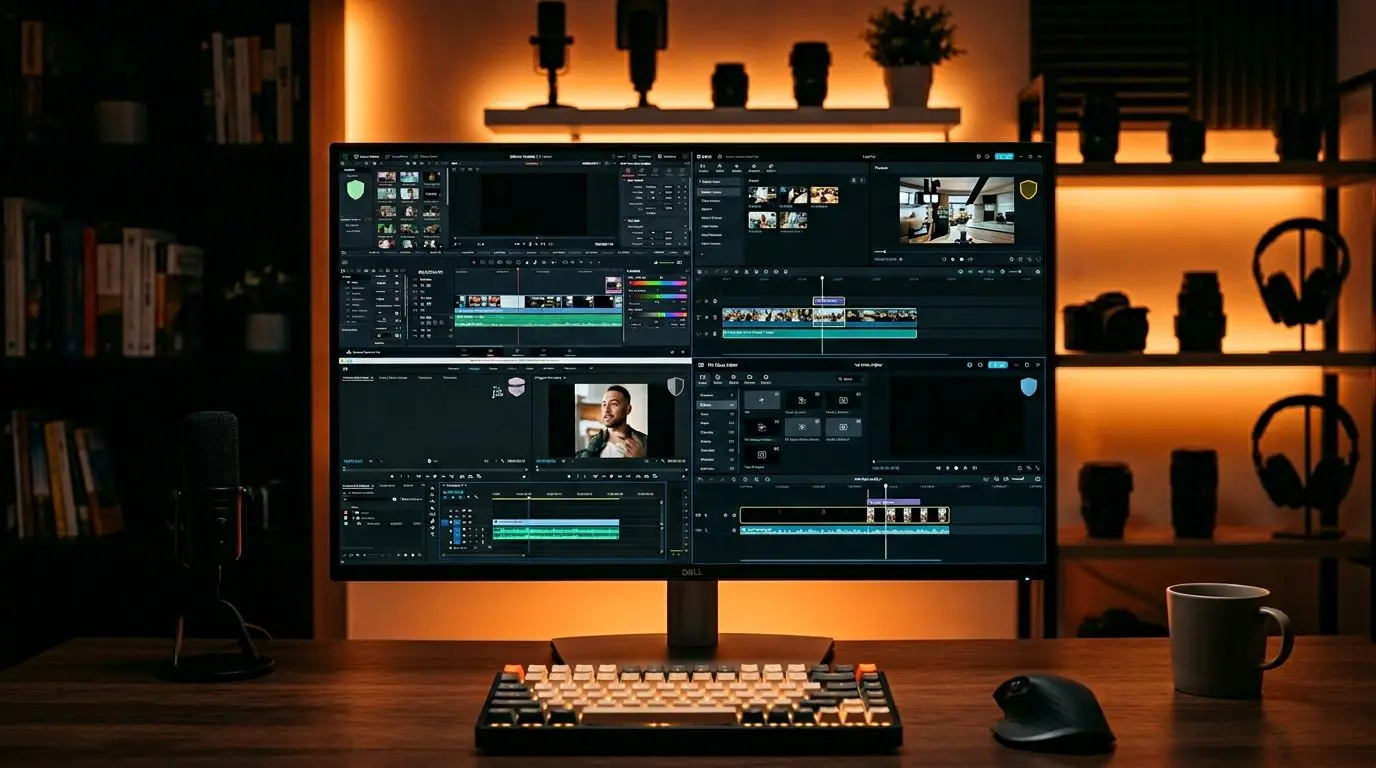
Creating videos from photos no longer requires expensive software or professional teams. In 2026, dozens of free tools let you transform your photographs into compelling video content. But which ones actually deliver, and which are a waste of time?
In this article, we thoroughly examine 10 popular free video creation tools, comparing their strengths, weaknesses, and which user profiles they best serve.
Evaluation Criteria
We assessed each tool across five key criteria:
- Ease of use: Does it require technical knowledge?
- Output quality: Resolution and visual quality
- Watermark status: Does the free plan include a logo/watermark?
- Format support: Vertical, square, and horizontal formats
- Features: Music, text overlays, transition effects
10 Free Photo to Video Tools
1. CapCut
Best for: Social media content creators
Developed by ByteDance (the company behind TikTok), CapCut is a free video editor that excels at creating slideshows from photos, adding music, and applying effects. Available on both mobile and desktop.
- ✅ Completely free, no watermark
- ✅ Rich effects library
- ❌ No real estate-specific templates
- ❌ Limited AI voiceover
2. Canva (Free Plan)
Best for: Simple slideshows
Canva’s free plan offers basic video creation features. Its template-based workflow lets you create videos without any design knowledge.
- ✅ Intuitive interface
- ✅ Thousands of templates
- ❌ Limited music on free plan
- ❌ 1080p only on paid plan
3. DaVinci Resolve (Free Version)
Best for: Advanced users
A professional video editor used in Hollywood productions. Even the free version is incredibly powerful. However, the learning curve is steep.
- ✅ Professional editing tools
- ✅ Best-in-class color correction
- ❌ Difficult to learn, complex interface
- ❌ Requires powerful hardware
4. Clipchamp (Microsoft)
Best for: Windows users
Microsoft’s video editor, integrated with Windows 11. Offers basic photo-to-video features for free.
- ✅ Windows integration
- ✅ Easy to use
- ❌ Limited Mac support
- ❌ No 1080p export on free plan (480p only)
5. OpenShot
Best for: Open-source enthusiasts
A completely free and open-source video editor. Handles basic photo-to-video creation tasks well.
- ✅ Completely free, ad-free
- ✅ Works on all operating systems
- ❌ Performance issues may occur
- ❌ No modern AI features
6. InShot
Best for: Mobile users
Ideal for quickly creating videos from photos on your phone. Automatically adapts to Instagram and TikTok formats.
- ✅ Best mobile experience
- ✅ Social media formats ready
- ❌ No desktop version
- ❌ Watermark on free plan
7. Shotcut
Best for: Intermediate users
Another free and open-source option. Offers more features than OpenShot but with a somewhat complex interface.
- ✅ Wide format support
- ✅ No watermark
- ❌ Outdated interface
- ❌ Photo-based workflow is cumbersome
8. FlexClip (Free Plan)
Best for: Quick slideshow creation
Browser-based FlexClip delivers fast results when you want to convert photos into video. However, the free plan is quite restrictive.
- ✅ No installation required
- ✅ Template variety
- ❌ 1-minute limit on free plan
- ❌ 720p maximum (free)
9. VEED.io (Free Plan)
Best for: Subtitled videos
A browser-based video editor with strong automatic subtitle features, though the free plan has significant limitations.
- ✅ Automatic subtitle generation
- ✅ Runs in browser
- ❌ 10 minutes/month limit (free)
- ❌ Watermark included
10. Google Photos
Best for: Personal use
Google Photos’ “Memories” feature automatically creates videos from your photos. Insufficient for professional use but handy for personal memories.
- ✅ Already on your phone
- ✅ Completely free
- ❌ Very limited customization
- ❌ Not professional output
A Different Approach for Real Estate Professionals
Most tools above offer general-purpose solutions. If you’re in real estate and want to turn your property photos into professional listing videos, industry-specific solutions deliver far more efficient results.
Platforms like Vizuera generate AI-powered cinematic videos the moment you upload your real estate photos. Features like AI voiceover, automatic subtitles, and watermark-free 1080p output are advantages you’ll struggle to find in free general tools.
Practical Tips: Getting the Best Results from Free Tools
- Edit photos beforehand: Free tools typically offer limited photo editing. Adjust brightness and contrast before uploading.
- Use royalty-free music: Pixabay, Uppbeat, and YouTube Audio Library are great free sources.
- Combine tools to avoid watermarks: Use one watermark-free tool for video creation and another for adding music.
- Set format first: Configure video dimensions for your target platform from the start.
- Check export settings: Export in MP4 H.264 format at minimum 1080p resolution when possible.
Frequently Asked Questions (FAQ)
Is making videos from photos really free?
Yes, many tools offer free plans. However, free plans commonly include limitations like watermarks, low resolution, or duration caps.
Can you create professional videos with free tools?
Professional results are possible with powerful free tools like DaVinci Resolve, but they require significant learning time. For quick, easy professional results, AI-powered solutions are more suitable.
Can I create photo videos on my phone?
Yes. CapCut, InShot, and Google Photos all let you create videos from photos on mobile.
Which free tool gives the best quality?
In terms of pure quality, DaVinci Resolve leads by far. For the best balance of ease of use and quality, CapCut is the top choice.
Can you make real estate videos with free tools?
At a basic level, yes. But for professional real estate videos, tools offering AI voiceover, automatic scene planning, and industry-specific templates deliver far more effective results.
Conclusion
In 2026, there are plenty of free options for creating videos from photos. For personal use, CapCut and Canva may suffice; for professional projects, DaVinci Resolve is a powerful option. However, for industry-specific needs like real estate, AI-powered specialized video creation tools surpass free general solutions in both time savings and quality.
Whichever tool you choose, the important thing is to start. Convert your photos to video and see the difference for yourself.