From Real Estate Photography to Video Production: Strategy and Cost Guide
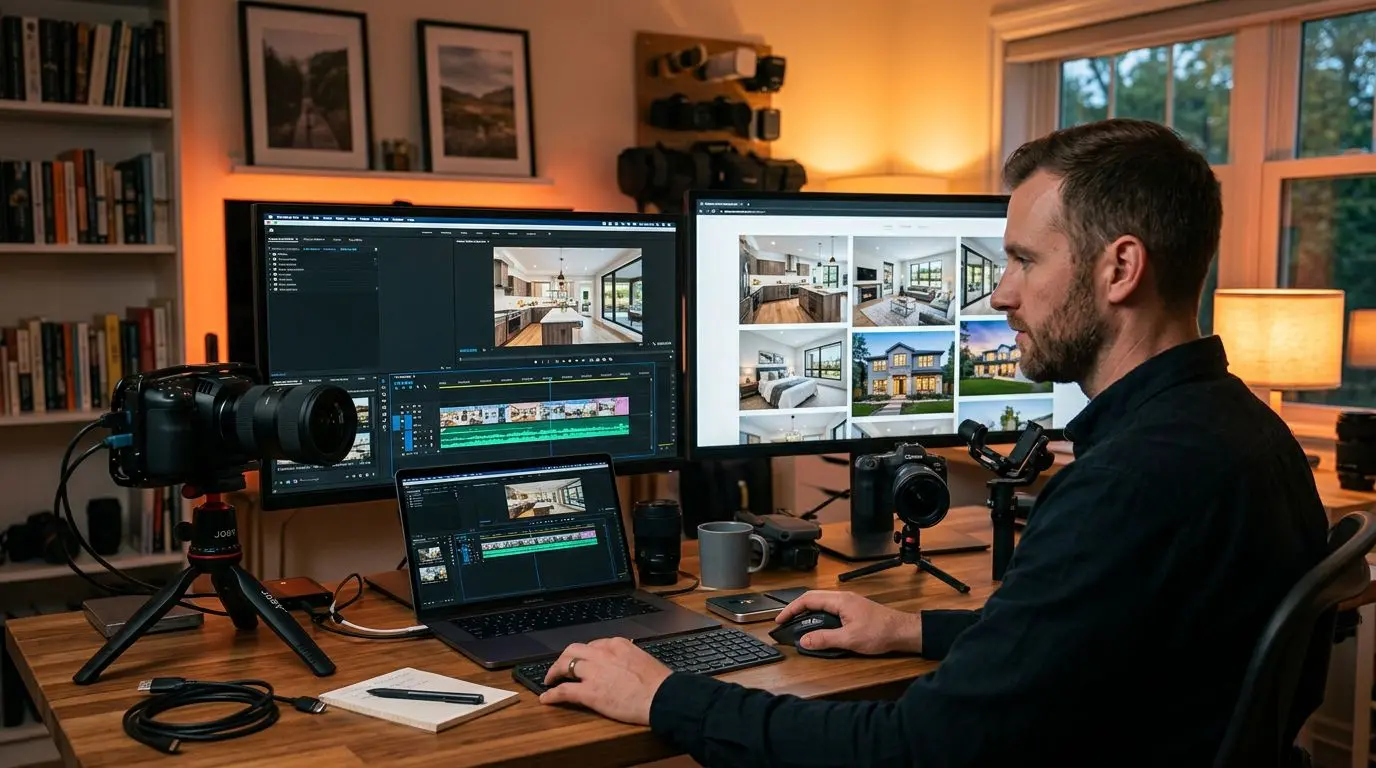
In real estate, photos alone are no longer enough. According to 2026 data, video listings receive 403% more inquiries than photo-only listings. If you’re a real estate photographer or marketing listings with photos, transitioning to video production is no longer optional — it’s essential.
In this guide, we cover the fundamental differences between photography and video, your transition strategy, equipment needs, and a detailed cost analysis.
Photography vs Video: Key Differences
Technical Differences
| Feature | Photography | Video |
|---|---|---|
| Shooting time | 30-60 minutes | 2-4 hours |
| Post-production | 1-2 hours | 4-8 hours |
| File size | 20-50 MB | 5-50 GB |
| Equipment cost | $500-$2,000 | $2,000-$8,000 |
| Delivery time | Same day | 3-7 days |
Content Differences
- Photography: Static, captures the best moment, unlimited viewing time
- Video: Dynamic, conveys spatial feeling, creates emotional connection, flow control is yours
Marketing Impact
- Photo listings: Average 2-minute page time
- Video listings: Average 5.5-minute page time
- Listings with video content: 49% faster sale
Transition Strategy: 4-Phase Plan
Phase 1: Photos + Slideshow (Start Immediately)
Converting your existing photos into slideshow-format videos is the lowest-cost and fastest transition path. Add motion, music, and text to your photos for simple but effective video content.
Cost: Nearly zero (existing photos + free/affordable software) Time: 15-30 minutes per video
Phase 2: Gimbal Walkthrough Videos (1-3 Months)
Add a gimbal to your smartphone to shoot walk-through style property tours. No professional camera needed.
Equipment: Gimbal ($80-$200) + smartphone Learning time: 1-2 weeks
Phase 3: Professional Video Shooting (3-6 Months)
Begin professional-quality shoots with a mirrorless camera, slider, and lighting kit.
Equipment: $1,500-$4,000 Learning time: 2-3 months
Phase 4: Drone + Advanced Production (6+ Months)
Offer premium services with drone footage, 360° tours, and cinematic production.
Equipment: $800-$3,000 (drone included) License: FAA Part 107 certification required (US)
Equipment Comparison
Starter Kit ($500-$800)
- Smartphone (already have)
- DJI OM gimbal: ~$150
- Rode VideoMicro microphone: ~$80
- Basic LED light set: ~$100
- Tripod: ~$50
Mid-Range Kit ($2,000-$3,500)
- Sony A6400 or Fujifilm X-S20: ~$1,000
- 10-18mm wide-angle lens: ~$350
- DJI RSC 2 gimbal: ~$400
- Rode VideoMic Pro: ~$150
- Aputure MC LED: ~$180
Professional Kit ($5,000-$10,000+)
- Sony A7IV or Canon R6 II: ~$2,500
- Wide-angle + standard lens set: ~$1,200
- DJI RS 3 Pro gimbal: ~$600
- DJI Mini 4 Pro drone: ~$1,000
- Professional lighting: ~$500
- Audio equipment: ~$350
Cost Analysis: Video Shooting vs AI
Traditional Video Production (10 Listings/Month)
- Equipment depreciation: ~$70/month
- Shooting time: 10 × 3 hours = 30 hours
- Editing time: 10 × 6 hours = 60 hours
- Total labor: 90 hours/month
- Travel/fuel: ~$200/month
- Total cost: ~$3,000-$5,000/month (including your time)
AI-Powered Video Creation (10 Listings/Month)
- Platform subscription: ~$30-$100/month
- Photography (already doing this): $0 additional
- Video creation time: 10 × 10 minutes = ~2 hours
- Total cost: ~$30-$100/month
Platforms like Vizuera let you upload existing photos and produce professional-quality video within minutes. AI voiceover, automatic subtitles, and social media formats are included. Convert your photos to video and see the cost difference yourself.
Hybrid Model: The Smartest Approach
Rather than going fully traditional or fully AI, a hybrid approach delivers the most efficient results:
- Premium properties — Professional video shooting
- Standard listings — AI-powered photo-to-video creation
- Social media content — Automatically generated short videos
This model lets you offer premium services while managing high-volume listing production.
Practical Tips
- Shoot photos with video in mind: Capture wide angles, pan-friendly compositions, and detail shots.
- Keep initial investment small: Start with gimbal + phone, add equipment as needs grow.
- Learning resources: Search “real estate video walkthrough tutorial” on YouTube — hundreds of free tutorials available.
- Pick one video editor and focus: DaVinci Resolve (free) or Adobe Premiere Pro are sufficient. Trying every tool wastes time.
- Educate your clients: Show the value of video services — video listings sell faster and at higher prices.
Frequently Asked Questions (FAQ)
How long does the photography-to-video transition take?
Basic walkthrough videos can be learned in 1-2 weeks. For professional cinematic shooting, plan for a 3-6 month learning period.
Do I need expensive equipment for video?
No. Today’s smartphones can shoot 4K video. With a gimbal and good lighting, professional results are achievable. Alternatively, you can create videos from existing photos using AI.
Can I offer both photo and video services?
Absolutely. Most successful real estate photographers offer both services. Shooting video during photo sessions creates efficiency.
Can AI video solutions replace professional shooting?
For luxury and premium properties, professional shooting still excels. But for standard listings, AI solutions are far more efficient in cost-performance terms.
Do I need a drone license for real estate video?
In the US, commercial drone use requires FAA Part 107 certification. Indoor videos don’t require a drone.
Conclusion
Transitioning from real estate photography to video production may seem daunting, but it’s actually a gradual and manageable process. Start by converting your photos into slideshows, then expand your equipment and skills over time.
AI-powered video creation tools make this transition easier than ever. What matters is taking the first step — the market will guide you from there.