How to Make Photo Videos with Music: Creating Emotional Impact
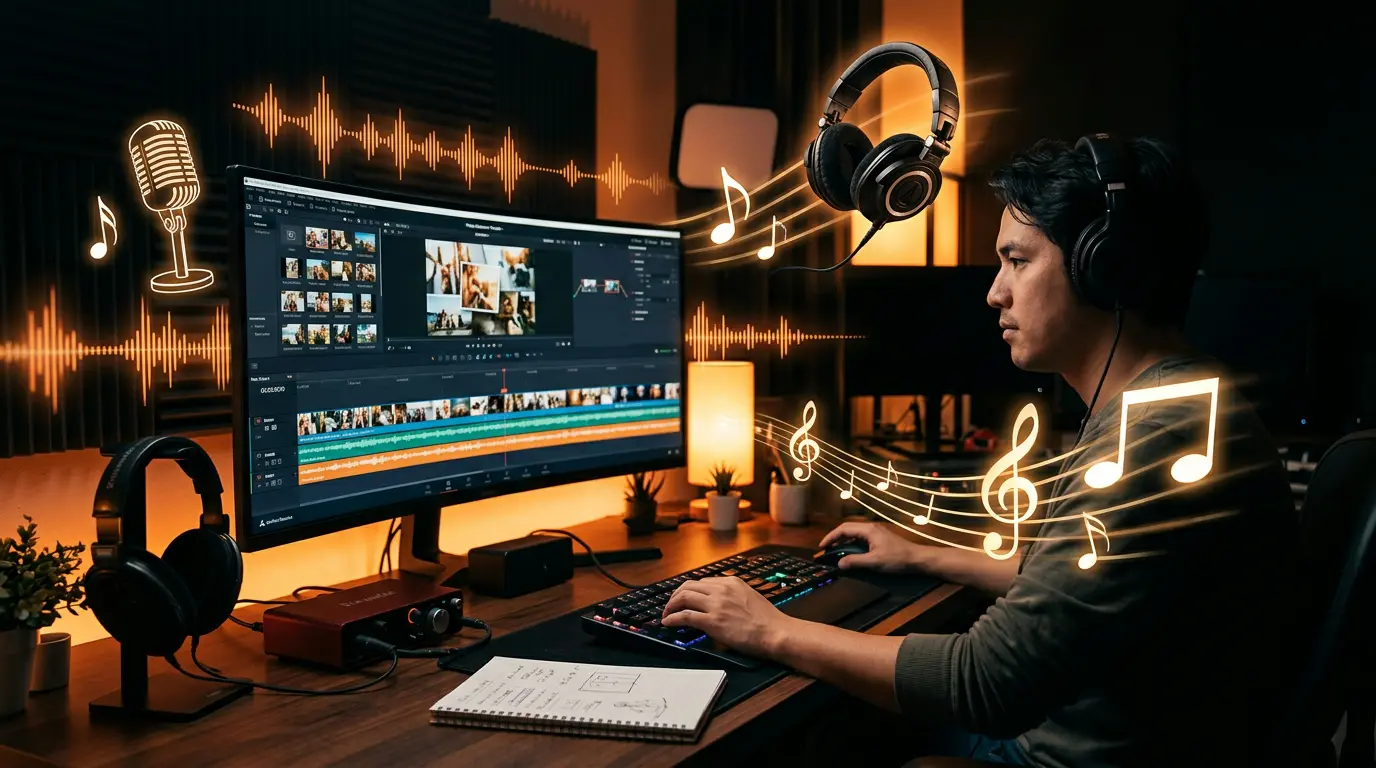
If a picture is worth a thousand words, paired with the right music it’s worth a million. Making photo videos with music is the most effective way to transform static images into emotional experiences. The right music selection determines the difference between an “ordinary” and “unforgettable” real estate video.
In this guide, we cover everything from music selection to royalty-free sources, tempo synchronization to emotional impact techniques.
The Psychological Impact of Music on Video
Research shows that videos with music generate 65% longer watch times and 40% higher emotional responses compared to videos without music. This happens because music directly activates the brain’s limbic system — our emotional center.
The Role of Music in Real Estate Videos
- Builds trust: Appropriate music adds a professional atmosphere to the property
- Sets the pace: Manages the viewer’s attention span
- Creates emotional connection: Triggers the “this could be my home” feeling
- Builds brand identity: Consistent music use makes you recognizable
Music Selection by Property Type
Luxury Properties
- Genre: Orchestral, minimal piano, ambient
- Tempo: 60-80 BPM (slow, elegant)
- Instruments: Piano, strings, soft synth
- Mood: Sophisticated, elegant, prestigious
Modern Apartments
- Genre: Electronic chill, lo-fi, modern pop (instrumental)
- Tempo: 90-110 BPM (medium speed)
- Instruments: Synth, electronic beat, acoustic guitar
- Mood: Dynamic, urban, contemporary
Family Homes
- Genre: Acoustic, folk, soft pop
- Tempo: 80-100 BPM (warm, comfortable)
- Instruments: Acoustic guitar, ukulele, light percussion
- Mood: Warm, peaceful, inviting
Commercial Real Estate
- Genre: Corporate, motivational
- Tempo: 100-120 BPM (energetic)
- Instruments: Orchestral + electronic hybrid
- Mood: Professional, trustworthy, ambitious
Royalty-Free Music Sources
Completely Free
- YouTube Audio Library — Large collection, commercial use permitted
- Pixabay Music — No attribution required, quality tracks
- Free Music Archive — Creative Commons licensed
- Uppbeat — 10 free downloads per month
Affordable Premium
- Epidemic Sound — Monthly subscription, unlimited use
- Artlist — Annual license, valid across all platforms
- Musicbed — High-quality, cinematic tracks
- Soundstripe — Affordable pricing, extensive library
Caution: Copyright
You CANNOT use songs from Spotify, Apple Music, or YouTube in your videos. This leads to copyright infringement and platform takedowns. Always use licensed or royalty-free music.
Tempo Synchronization: Step by Step
1. Beat Mapping
Identify the beats in your music. Most music is written in 4/4 time — a strong beat comes every 4 counts.
2. Align Scene Transitions to Beats
Transition to a new scene on each strong beat. This adds professional rhythm to your video. Example:
- Beats 1-4: Exterior view
- Beats 5-8: Entrance and hallway
- Beats 9-12: Living room wide angle
- Beats 13-16: Kitchen details
3. Use Climax Points
Show the most impressive scenes during musical crescendos — views, pool, master suite.
4. Silence Moments
Brief silence moments (music drops) create dramatic effect. Use these for “price reveal” or “call to action.”
Automatic Music Sync with AI
Manual beat mapping can take 30-60 minutes per video. AI-powered platforms like Vizuera handle this process automatically:
- Upload your photos
- AI suggests music matching the property type
- Scene transitions are automatically aligned to beats
- AI voiceover is mixed at balanced levels with the music
- Professional slideshow ready in minutes
This video creation tool lets you achieve professional results even without music expertise.
Emotional Impact Techniques
Storytelling Structure
Structure your video like a three-act story:
- Opening (First 20%): Create curiosity. Exterior or most impressive area.
- Development (60%): Show rooms in sequence, highlight details. Music gradually builds.
- Climax + Closing (20%): Strongest feature (view, garden, pool) + CTA.
Color and Music Harmony
- Warm-toned properties → Warm instruments (acoustic guitar, piano)
- Cool, modern properties → Electronic, minimal sounds
- Nature-integrated properties → Organic, natural sounds
Volume Balance
Music should sit below the voiceover. Ideal ratios:
- Voiceover: -6 dB
- Music: -18 dB (with voiceover), -12 dB (without voiceover)
Practical Tips
- The 30-second rule: If the music doesn’t captivate you in the first 30 seconds of listening, it won’t captivate your viewers either.
- Use fade in/out: Starting or cutting music abruptly looks amateur. Apply 1-2 second soft transitions.
- Check platform rules: You can use copyrighted music in Instagram Reels, but not on YouTube or your website.
- Think in loops: Social media videos play in loops. Make sure the music ending flows with the beginning.
- Plan music from the start: Planning music from the beginning yields much better results than adding it as an afterthought.
Frequently Asked Questions (FAQ)
Is making photo videos with music difficult?
At a basic level, no. It can be done easily with tools like CapCut or Canva. For professional tempo synchronization, AI-powered tools are ideal.
What music genre is best for real estate videos?
It depends on the property type. Orchestral/piano for luxury properties, electronic chill for modern apartments, and acoustic music for family homes.
Is it easy to find royalty-free music?
Yes. Platforms like YouTube Audio Library and Pixabay offer thousands of free tracks. For premium quality, monthly subscription services like Epidemic Sound or Artlist are available.
Can I make music videos without a video editor?
Yes. AI-powered video creation tools handle music selection and synchronization automatically. No technical knowledge required.
How long should a music video be?
It depends on the platform: Instagram Reels 30-60 seconds, YouTube 2-3 minutes, website 60-90 seconds is ideal.
Conclusion
Making photo videos with music is the key to transforming visual content into emotional experiences. With the right music selection, tempo synchronization, and storytelling techniques, you can turn ordinary photos into unforgettable videos.
To get started, choose your royalty-free music source, prepare your photos, and create your first music video. Once you discover the power of music, you’ll never want to make a video without it again.