How to Make a Video from Photos: The Complete 2026 Guide
Why Is Photo-to-Video So Popular?
You have hundreds of photos, but sharing them one by one just doesn’t have the same impact. Whether you’re a real estate agent showcasing a property, an e-commerce seller highlighting products, or someone turning vacation memories into something shareable — making a video from photos is the solution.
In 2026, AI technology has made it possible for anyone to turn photos into professional videos. This guide covers every method available: free online tools, mobile apps, desktop software, and AI-powered platforms.
Methods for Creating Videos from Photos
1. Free Online Photo-to-Video Tools
You can turn photos into videos right in your browser without installing anything:
Canva — Offers ready-made video templates with a drag-and-drop interface and basic music library. Some templates are locked in the free plan.
CapCut — TikTok’s free video editor with automatic subtitle generation and a rich effects library. No watermark added.
Google Photos — Creates automatic movies with face recognition for themed slideshows. Customization options are limited.
2. Mobile Apps for Turning Photos into Videos
Want to quickly create videos with music from your photos on your phone? These apps deliver:
- InShot — Easy to use, wide music selection, ready formats for Instagram and TikTok
- VN Video Editor — Professional-grade editing, keyframe animations, completely free with no watermark
- KineMaster — Layer-based editing, chroma key support, rich transition effects
Step-by-Step: Phone Video Creation
- Open the app and create a new project
- Choose your dimensions — 9:16 for Instagram, 16:9 for YouTube
- Add photos from your gallery in sequence
- Set each photo duration to 2-4 seconds
- Add transition effects — fade or slide recommended
- Select background music and adjust volume
- Export at 1080p quality
3. Desktop Software for Photo Video Creation
For more control, desktop video editors are the best choice:
- Adobe Premiere Pro — Industry standard, unlimited customization (~$22/month)
- DaVinci Resolve — Hollywood-grade color correction, powerful even in the free version
- Clipchamp — Comes with Windows, simple but effective video creation tool
4. AI-Powered Photo-to-Video Creation
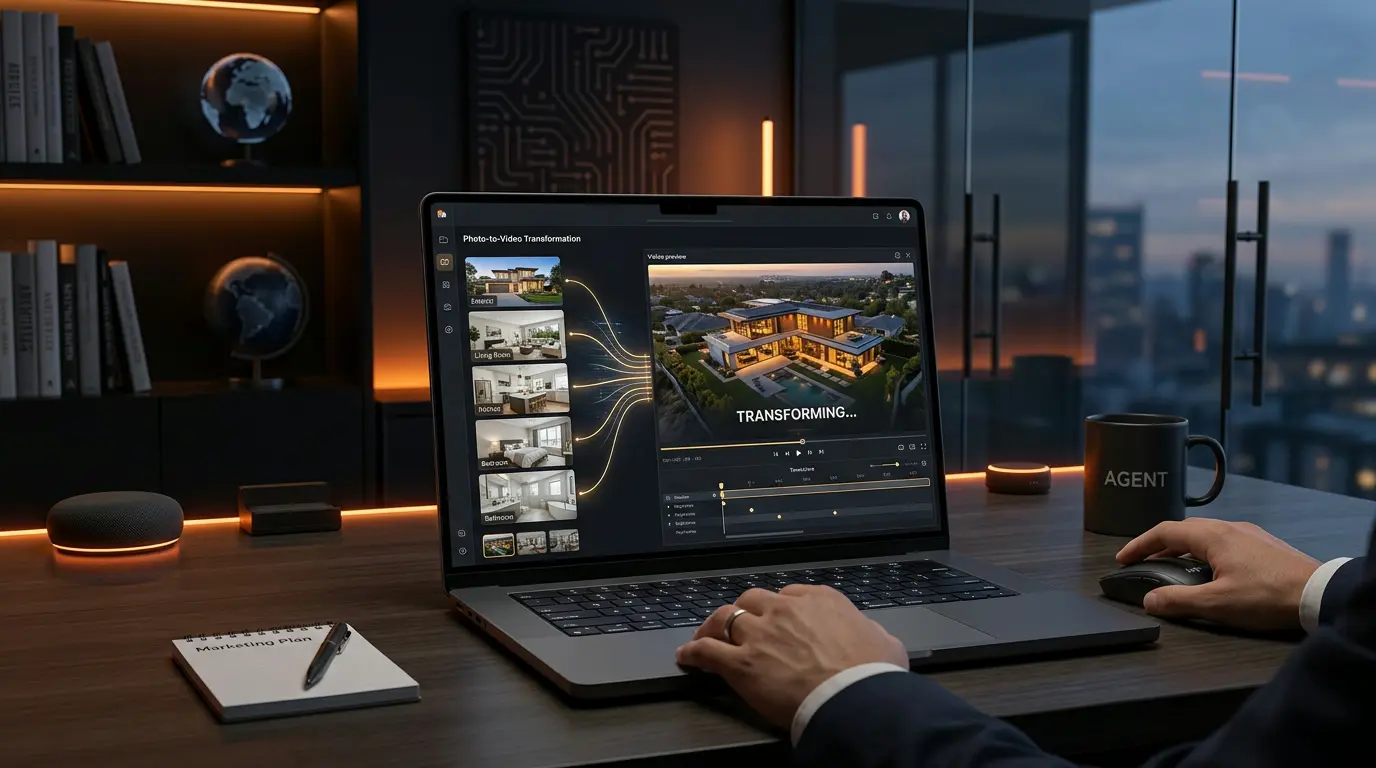
The biggest trend of 2026: AI video generation. AI analyzes your photos and automatically produces professional videos.
How it works:
Upload your photos to the platform. AI analyzes composition, color, and subject matter. The best transitions and effects are selected automatically. Music and tempo are synchronized. Your professional video is ready within minutes.
Vizuera is an AI video creation tool designed specifically for real estate. Upload your listing photos and receive a cinematic property showcase within minutes. Features include AI voiceover, automatic subtitles, and social media formats. All videos are produced in 1080p quality with no watermark.
Tips for Better Photo Videos
- Edit photos beforehand: Adjust brightness, contrast, and color balance before video creation
- Keep aspect ratios consistent: All photos should share the same dimensions
- Don’t overdo transitions: Simple transitions look more professional; too many effects distract viewers
- Match music to tempo: Align photo transition speed with the rhythm of your music
- Keep text readable: Use short headlines with high contrast
Recommended Export Settings
When exporting your video, use these settings for optimal quality:
- Format: MP4 (H.264 codec)
- Frame rate: 30 fps for general use, 60 fps for smoother motion
- Bitrate: 8-12 Mbps for 1080p
- Audio: AAC, 256 kbps
Industry Use Cases
Real Estate
Listings with video receive 403% more inquiries. 73% of buyers prefer listings that include video. Transform your photos into video and stay ahead of the competition.
E-Commerce
Create videos from product photos to build customer trust and achieve higher conversion rates in social media advertising.
Social Media
Instagram and TikTok algorithms prioritize video content. Reels and Shorts formats can boost organic reach by 3-5x. All you need to do is turn your photos into an engaging video.
Frequently Asked Questions
Is making a video from photos free?
Yes. Tools like CapCut, VN Video Editor, and Google Photos let you create videos from photos for free. For professional results and time savings, AI-powered platforms like Vizuera are more effective.
Can I make a video from photos on my phone?
Absolutely. Apps like InShot, VN, and CapCut make it easy to create videos with music from your photos. The process takes 10-15 minutes.
What’s the best photo-to-video program?
For quick and easy results, try CapCut. For professional output, DaVinci Resolve. For real estate, Vizuera is the ideal choice.
Can AI create videos from photos?
Yes. In 2026, many video creation tools can analyze your photos and automatically produce professional videos. No need to spend hours on manual editing.
Conclusion
Making videos from photos has become an essential skill in digital content creation. Start with free tools and transition to AI-powered solutions as your needs grow. Transform your photos into video today and see the difference.